Save big on Dry Flush toilets!

How to Clear the Modiwell E4 Error
E4 error on your Modiwell dry flush toilet? Learn what triggers it, how to troubleshoot step by step, reset safely, and prevent the issue from returning.
Red Rhyder
2/18/20266 min read
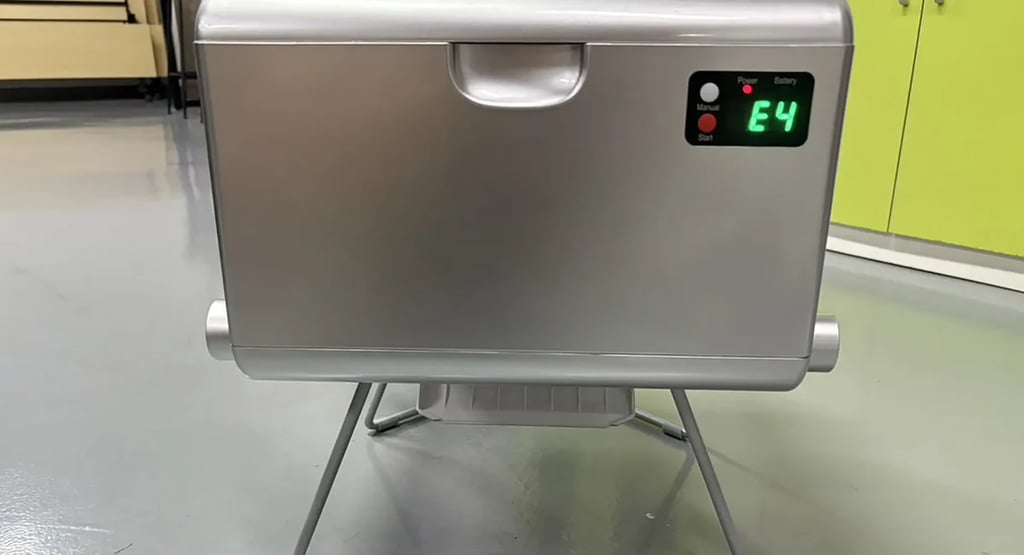
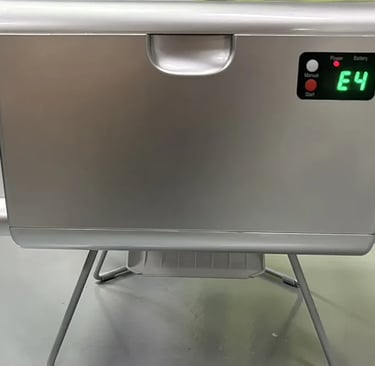
If your Modiwell dry flush toilet shows an “E4” code on the control panel, there’s no need to panic. In most cases, E4 means the unit detected an electrical overload while pressing and clamping the waste bag. Think of it like a built-in safety shutoff—similar to a fuse or breaker—that trips when the current spikes, cutting power to protect the system.
Safety note: While the toilet is operating, do not place your hands or any part of your body near moving components to avoid injury.
Below you’ll find clear, step-by-step troubleshooting instructions to help you identify the cause, reset the unit safely, and get back to normal operation quickly.
How to Clear the Modiwell E4 Error
How to Reduce the Chance of E4 Errors
A few quick habits can prevent most E4 issues before they start:
Inspect the sealing area before each use: Take a moment to look for anything that could interfere with the clamp—small pebbles, debris, hair, or other particles around the bag seal area.
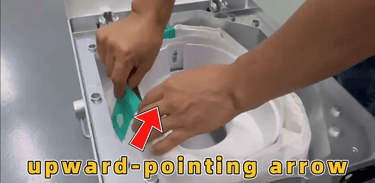
Install the refill film correctly: Keep the bag film flat and smooth. Make sure the arrow on the refill strap faces upward, and always pull the film from the outermost layer to feed it properly.
Use the cold-weather refill in low temperatures: If you’re operating in very cold conditions, switch to the blue refill bag, which is better suited for low temps.
Close the bottom baffle during long storage: If the toilet won’t be used for a while, close the bottom baffle to help block dust or debris from entering the mechanism and to help preserve the bag material.
Use the guide the right way: When loading a new bag, remove the guide and use it to route the film smoothly between the mechanism’s guide wheels. Once installed, pull the guide out and return it to its storage position. This helps prevent wrinkles, jams, and uneven pressure during pressing.
Common Causes of E4 Errors
E4 typically shows up when something increases resistance during the bag handling cycle. The most frequent cause is improper refill film installation.
1. Refill film loaded incorrectly
This is one of the top reasons E4 happens. If the film is installed in the wrong direction or not seated properly, the unit has to push harder during pressing—triggering overload protection.
Common mistakes include:
Installed upside down: The arrow indicator is facing the wrong way, the film feeds backward, and resistance increases during pressing.
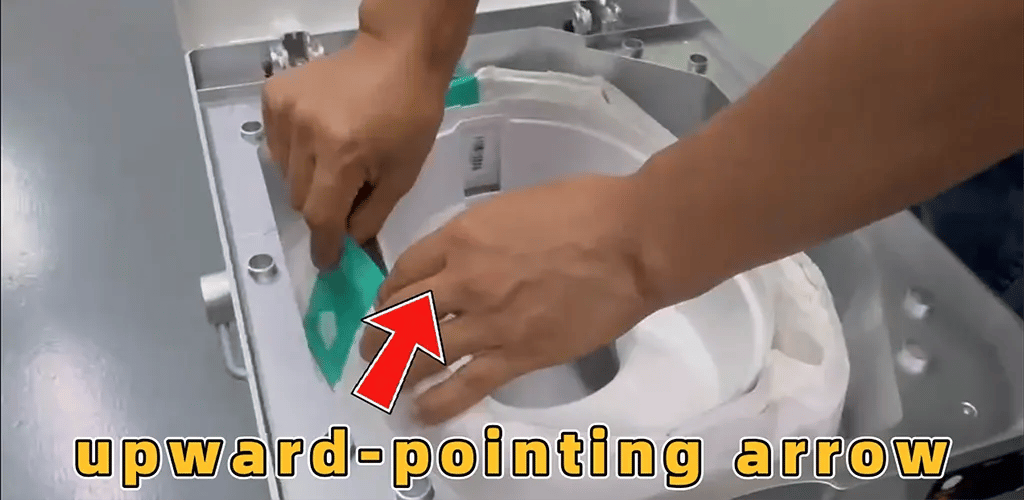
Wrinkled bag film: When the refill film creases, it can curl or bunch up as it feeds through the mechanism. That added resistance can trigger an E4 error.
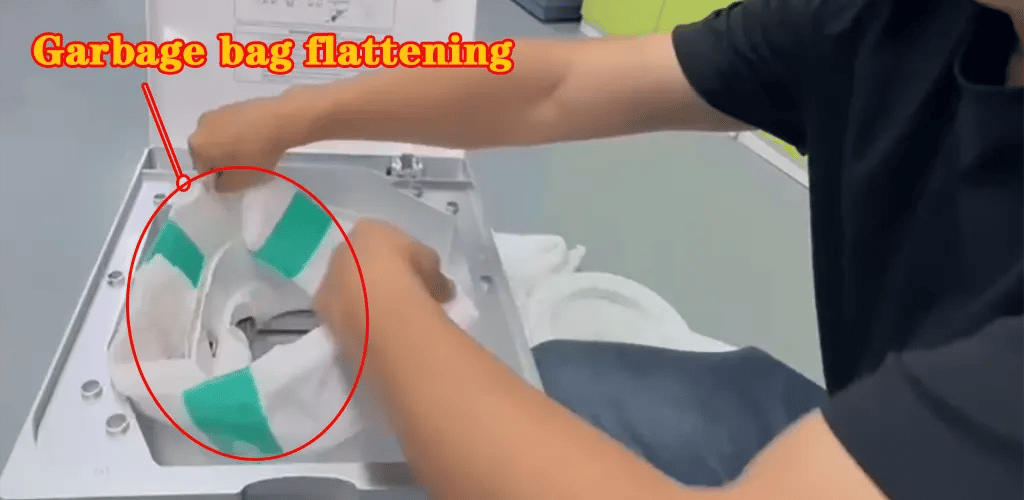
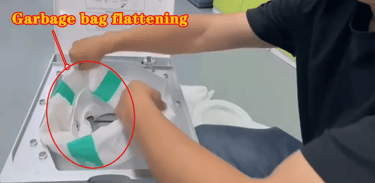
Pulled from the inner layer: If the refill film is drawn from the inside instead of the outermost layer, it can twist or tangle as it feeds through. That extra drag may trigger an E4 error.
Any of the three issues above can create too much drag during the press-and-seal cycle. When the resistance goes beyond what the motor is designed to handle, the toilet’s overload safety protection activates and the display shows an E4 code.
2. Debris in the sealing area
During sealing and pressing, small objects—like pebbles, dirt, or loose debris—can get into the sealing zone. When that happens, the mechanism can’t close smoothly, the motor has to work harder, and the unit may trigger an E4 overload.
Safety note: Never place your hands or any part of your body near moving parts while the unit is operating—this can cause injury.
3. Bottom auto-packaging accessories installed incorrectly
If the bottom automatic packaging assist parts are not positioned correctly, they can interfere with the bag path or the pressing motion. That misalignment can increase resistance and contribute to an E4 error.
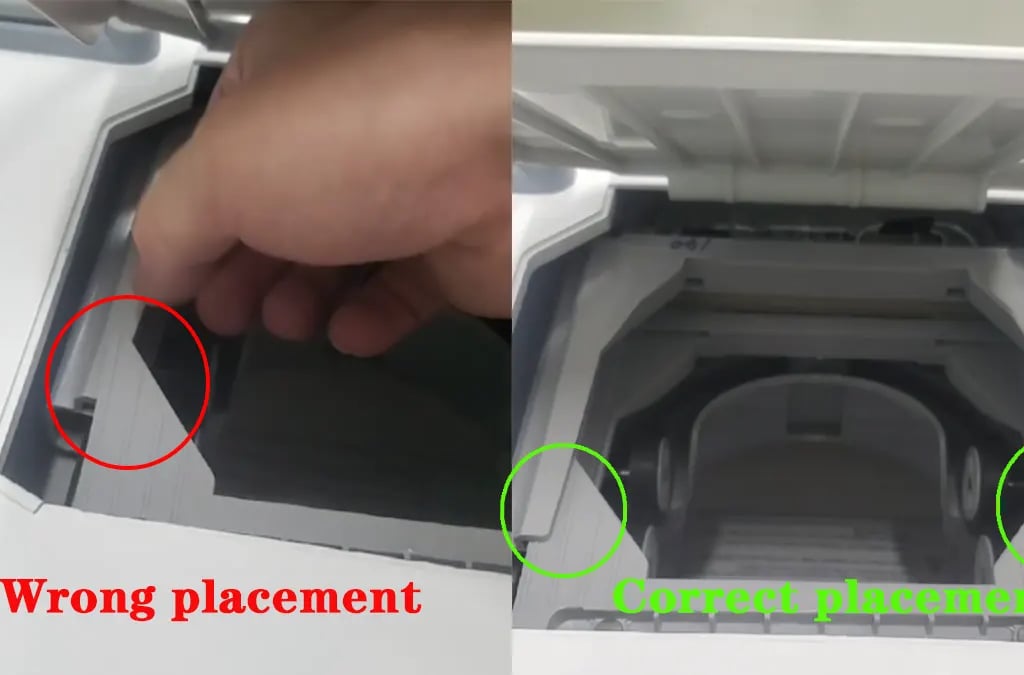
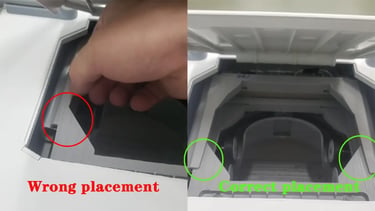
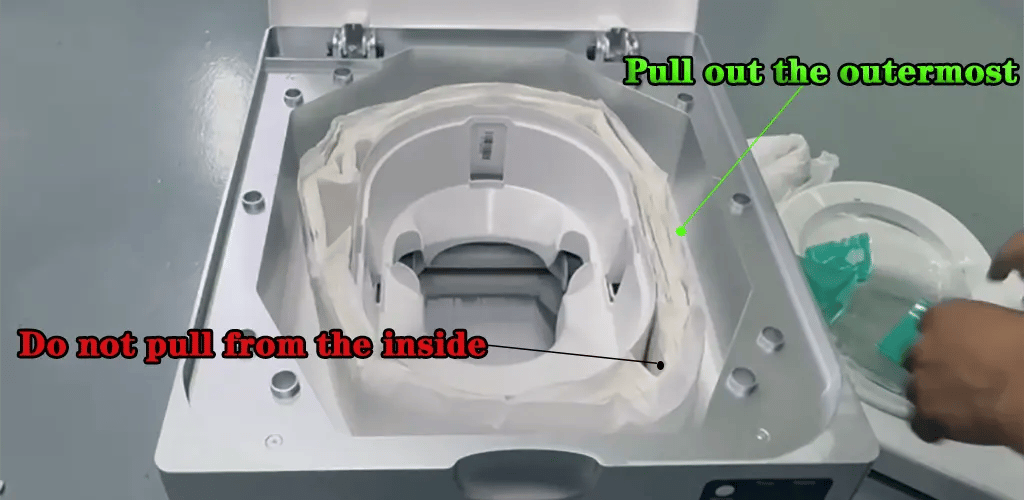
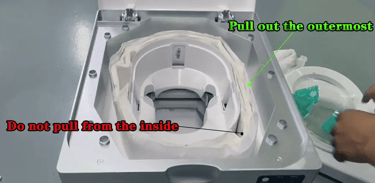
Check whether the bottom auto-packaging assist accessories under the toilet are installed in the correct position. If these parts are shifted or misaligned, they can disrupt how the refill film feeds, pulls, or seals—often leading to an E4 error.
Step-by-step Fix for the E4 Error
Based on the most common causes above, use the checklist below to troubleshoot and restore normal operation:
1. Refill film installed incorrectly or tangled
Solution 1: Remove and reload the refill film
Reposition the film so it feeds smoothly and sits flat, with no twists, bunching, or snags.

Start by cutting off and removing the used refill bag, then clean the bottom area and the sealing/clamping zone thoroughly (see the video: Error -1 occurs when bag blocks compression).
Once everything is clean, run one empty sealing cycle before loading a new bag. If the unit operates normally, open it back up and reload the refill bag correctly (see the video: Error -2 occurs when bag blocks compression).

If you think it is troublesome to reorganize the old garbage bag or are not sure whether it can completely solve the problem, we strongly recommend that you directly replace it with a new Modiwell original garbage bag refill bag, which can usually solve the E4 error caused by the garbage bag more quickly and effectively.
Solution 2: Replace a new modiwell garbage bag film

For specific operation steps, please refer to the video operation:
Turn off the power and remove the old bag: Turn off the power and completely remove the old garbage bag.
Remove the pressure ring and base: Remove the cushion and garbage bag pressure ring respectively.
Install the new bag (pay attention to the direction): Put the new garbage bag into the base, making sure the arrow of the strap is facing up.
Cover the pressure ring and remove the strap: Cover the pressure ring and clamp it firmly, then remove the garbage bag strap.
Pull up the film and insert it into the movement: Pull up the outermost film about 20 cm, grab the bag opening and insert it into the movement.
Guide with the guide: Use the guide to insert the bag between the movement guide wheels, pull out the guide after completion and cover the cushion.
Start the first seal: Press and hold the "Start" button for 2 seconds, wait 2-3 minutes to complete the first seal.
Remove and resume standby: After hearing the prompt tone, remove the bag for the first seal, and the control panel returns to standby mode.
2.There is a foreign object in the sealing position
Solution: Clean the foreign object and restart the device
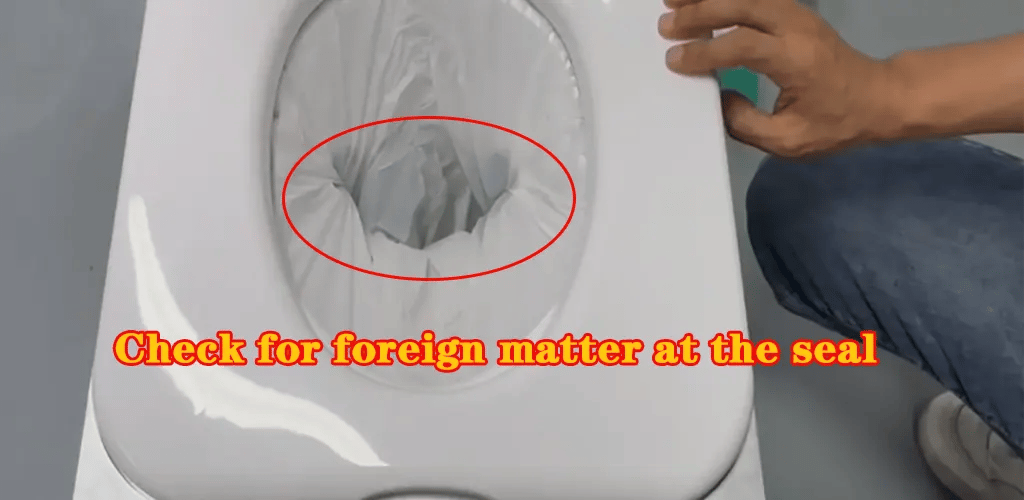
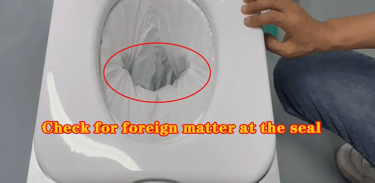
Turn off the power: First, turn off the power switch of the Modiwell dry flush toilet to ensure safe operation. (To prevent misoperation, do not put your hands or other parts of your body into the movement when the product is running to avoid injury)
Clean foreign objects: Carefully check the sealing position of the toilet and remove any possible foreign objects, such as stones, hair, etc. (Note: Be careful of burns)
Turn on the power again: After cleaning, turn on the power switch of the toilet again. The device usually returns to normal automatically.
3.The automatic packaging auxiliary accessories at the bottom of the toilet are misplaced
Solution: Adjust the position of the automatic packaging auxiliary accessories at the bottom
Check the automatic packaging auxiliary accessories at the bottom: Carefully observe whether the automatic packaging auxiliary accessories at the bottom of the toilet are in the correct position.
Adjust the automatic packaging auxiliary accessories at the bottom: If the automatic packaging auxiliary accessories at the bottom are found to be misplaced, adjust them to the correct position.


Contact Modiwell After-Sales Support
If you’ve gone through the steps above and your Modiwell dry flush toilet is still showing an E4 error, please reach out to the official Modiwell after-sales service team for professional troubleshooting and repair assistance.
We hope the guidance in this article helps you clear the E4 code quickly—so you can get back to a more convenient and comfortable experience.
4.The crimp connector is loose, leading to excessive current and triggering voltage protection.
Please check if the crimp connector is loose.
(Please refer to the video file for troubleshooting internal wiring issues.)
Modiwell USA
Portable sanitation through continuous innovation
Contact
Newsletter signup
sales@modiwellusa.com
336-437-4540
© 2026. All rights reserved.